◆ Troubleshooting
Muha Meds Disposable Not Charging? Work Through It In This Order
· 6 min read
A pen that will not charge feels terminal and almost never is. There are five things in the chain between the wall socket and the cell, and the cell is the last of them and the least likely to be at fault. Test them in the order below and you will usually be charging inside three minutes — and you will avoid the two popular fixes that turn a recoverable pen into a dead one.
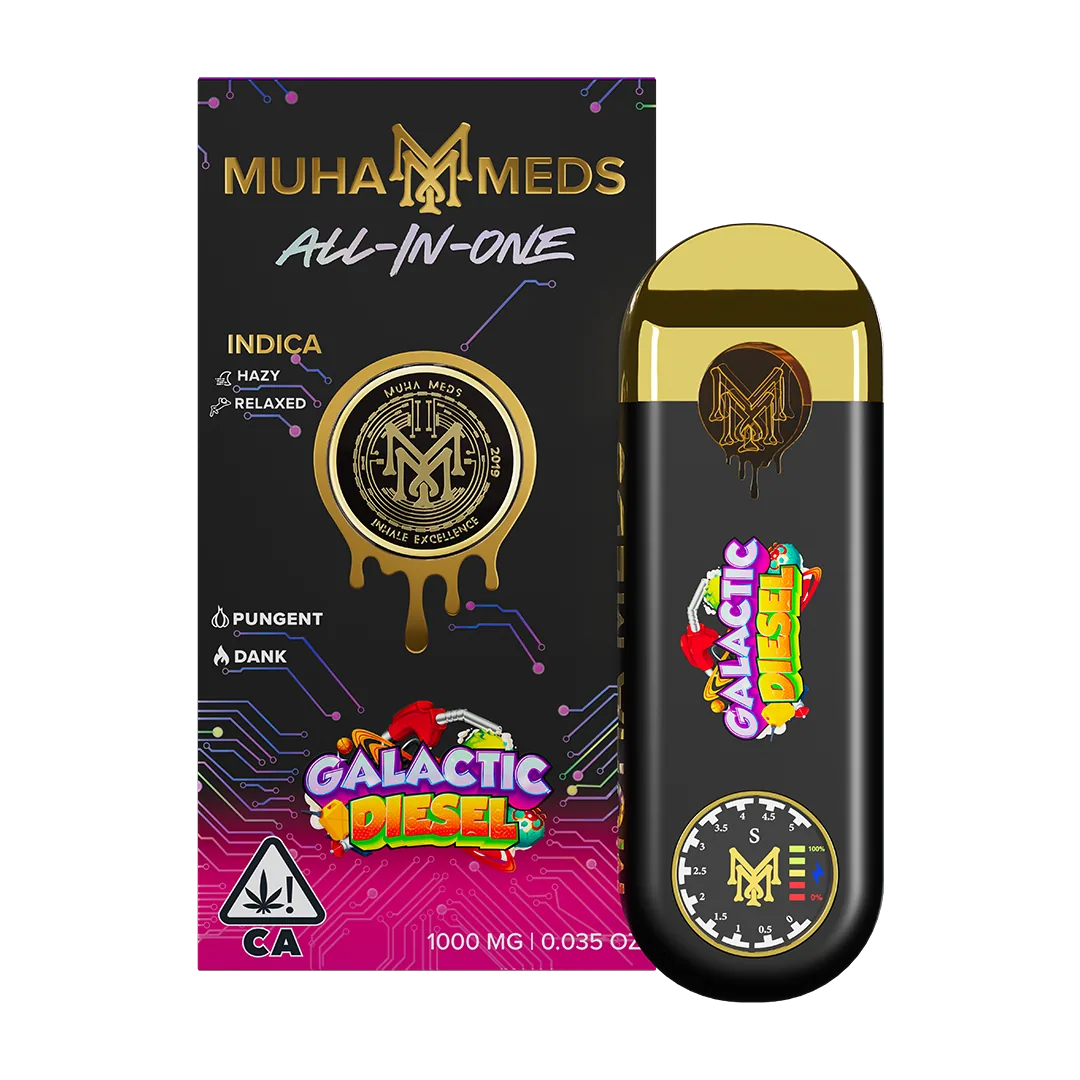
The order to test in
Start at the wall and work toward the battery. Each step rules out one link, and the early ones are far more likely than the late ones.
- Change the cable. Cables fail internally with no visible damage, and this is the single most common cause. Use one you know charges something else *right now*, not one you assume works.
- Change the power source. A laptop port asleep, a plug switched off at the socket, a multi-way adapter that has quietly died. Try a different outlet entirely.
- Look into the USB-C port with a light. Pocket lint compacts into the port and stops the connector seating fully. It looks like nothing and blocks everything.
- Clean the port dry. A wooden toothpick or a dry cotton bud, gently, with the device unplugged. Never anything metal, never anything wet.
- Give it twenty minutes plugged in before judging it. A deeply flat cell can sit in trickle-charge with no light at all before the board wakes up and starts indicating.
Why the fast charger is the wrong tool
The instinct when something charges slowly is to reach for the most powerful adapter in the drawer. Here it actively harms the device.
These are small cells with simple protection circuits, designed around roughly 5V at 1A. A modern phone or laptop charger will attempt to negotiate far more than that. The excess does not become speed — it becomes heat, and heat is what permanently reduces a lithium cell's capacity. A pen charged fast a few times will hold noticeably less than an identical one charged slowly.
- Good: a computer USB port, an old 5W phone plug, a low-output power bank.
- Avoid: fast chargers, laptop USB-C PD ports, car chargers of unknown output.
- Expect roughly 45 to 60 minutes from flat. Much faster than that is not a bonus, it is a warning.
Two fixes that make it worse
Warming the device, which genuinely helps a clog, does nothing for a charging fault and adds heat to a cell that may already be struggling. Keep the two problems separate.
When it is genuinely finished
Stop troubleshooting and stop charging if any of these are true.
- The device is hot rather than warm at any point on the charger.
- The body has swollen or the seams have opened. A swollen cell is a disposal question, not a repair one.
- Nothing at all after twenty minutes on a cable and outlet you have proved work on another device.
- It never charged properly from new. A pen that behaved this way on day one is more likely counterfeit than faulty — check the QR and batch code before assuming hardware failure.
Frequently asked questions
- Why is my Muha Meds disposable not charging?
- Usually the cable, the outlet or lint in the USB-C port rather than the battery. Swap the cable for one you have just proved works elsewhere, try a different socket, look into the port with a light, and give it twenty minutes before deciding. The cell is the least likely thing in the chain.
- How long should charging take?
- About 45 to 60 minutes from flat on a low-output 5V/1A source. If it seems to charge in a few minutes, it is not really charging — it is a contact problem letting the board report full.
- Can I use a fast charger?
- You can, and you should not. These cells expect roughly 5V/1A; the extra current from a fast charger becomes heat, and heat permanently reduces how much charge the pack will hold afterwards. A computer USB port or an old 5W phone plug is the right tool.
- It blinks while charging. Is that bad?
- A slow steady pulse is normal charging. Rapid blinking on the charger is almost always a contact problem — clean the port dry, change the cable, and use a lower-output source before concluding anything about the battery.
- There is no light at all. Is it dead?
- Not necessarily. A deeply discharged cell can sit in trickle-charge with no indication for several minutes. Twenty minutes on a known-good cable and outlet with still nothing is the point at which the battery becomes the likely answer.
- The device is hot on the charger. What do I do?
- Unplug it and stop. Warm is normal; hot is not. Do not continue charging it, and do not attempt to open it. If the body has swollen at all, treat it as disposal rather than repair.
Keep reading